Intervention management software for your fleet
In-house workshop, partner garage or service booked online: every intervention is scheduled, tracked and attached to the vehicle, with up to -40 % of servicing time.
Hosted in the European Union · GDPR · Flotauto 2025 Innovation Award · free up to 50 vehicles, then €6 excl. VAT per vehicle per month
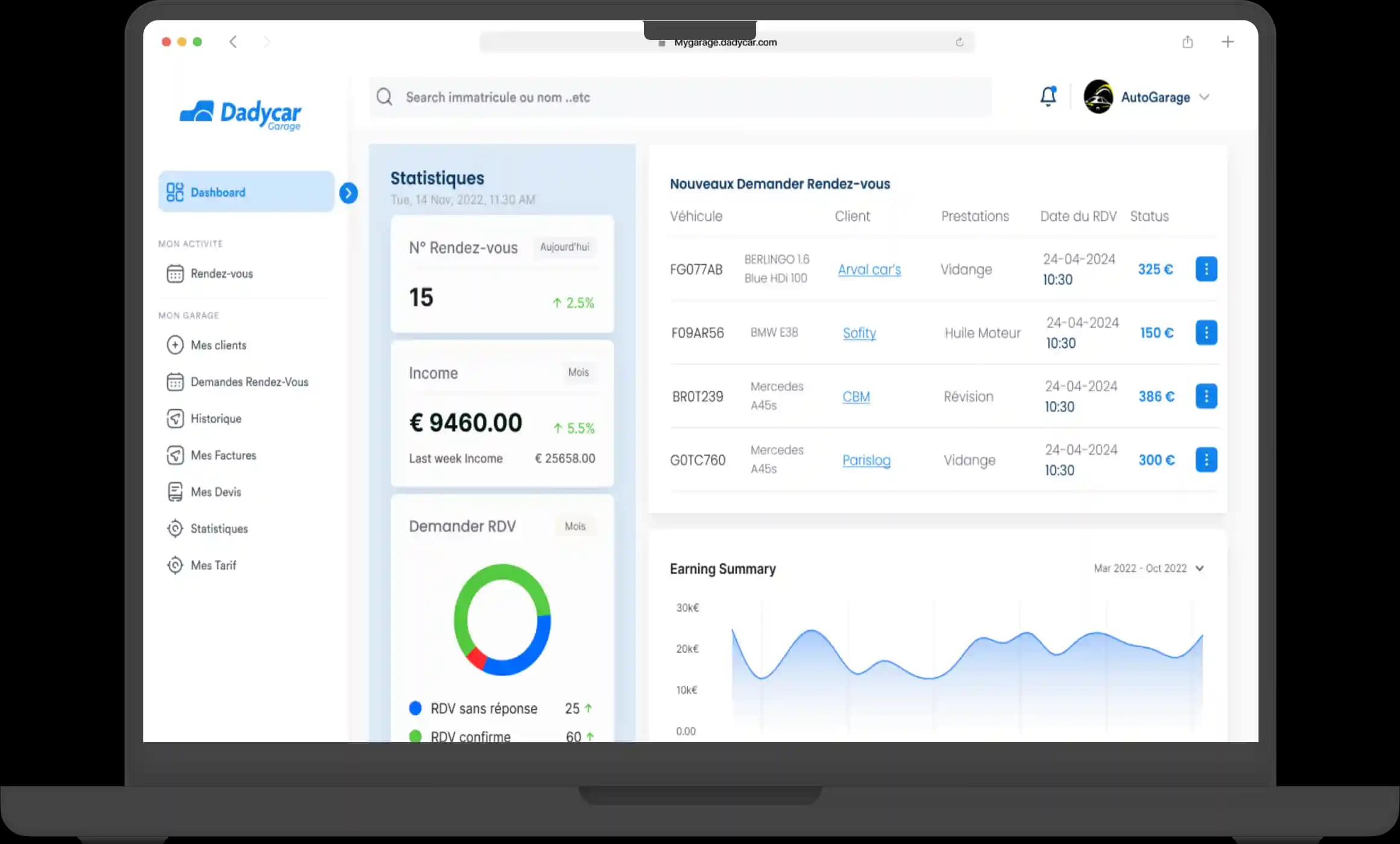
What intervention tracking changes
- Three routes in a single module: in-house services, partner services, Dadycar Services.
- Up to -40 % of the time spent managing servicing, quotes and invoices included.
- Vehicles off the road visible in the dashboard, with fleet availability measured against its target.
When the intervention gets lost between two calls
- The quote is in one mailbox, the invoice in another, the mileage nowhere.
- Nobody knows which vehicles are at the garage or when they come back.
- A vehicle's history is pieced together by hand on the day it is returned or sold.
What you get with Dadycar
The principle: an intervention is created for a vehicle, entrusted to an in-house service or a partner, then tracked until the vehicle returns. Quote, dates, mileage and invoice stay attached to the vehicle, with no re-entry.
In-house services scheduled
Your workshop or your operators receive the interventions to carry out, with the vehicle concerned, the priority, the status and the planned dates.
Partner services and directory
Garages, body shops, roadworthiness test centres: the intervention is entrusted to a supplier from your directory, with mileage and dates.
Dadycar Services: online booking
Book a service, request a quote, place an order with the network of maintenance partners, without leaving the platform.
Full history per vehicle
Every service, its supplier, its mileage, its cost and its documents stay on the vehicle record, from entry to exit from the fleet.
Vehicles off the road in the dashboard
Vehicles off the road appear in the maintenance tab and weigh on the fleet availability rate, compared with your target.
Costs attached to expenses
The intervention invoice joins the Expenses module: supplier, VAT, cost type, with or without a receipt.
How it works
- 1Create the intervention from an alert or a reminder. A maintenance deadline, a vehicle alert or a driver report becomes an intervention to schedule.
- 2Choose the route. In-house service, a garage from your supplier directory or a service booked through Dadycar Services with a quote and an order.
- 3Follow the vehicle's return. Status, dates, mileage and invoice are recorded; the vehicle leaves the off-the-road list in the dashboard.
Who it is for
- Maintenance and operations managers: a single screen for the workshop and the partners (see the role page).
- Fleet managers: knowing which vehicles are unavailable and why (see the role page).
- Construction: machinery and vans tracked site by site (see the industry page).
Your open interventions, visible tomorrow
A 30-minute demo on your own fleet: we take your open interventions and follow them together in the Services module.
Your questions before getting started
- “We already have our garages.” You add them to your directory and entrust interventions to them; Dadycar Services remains an option.
- “Do I need a device?” No. Intervention tracking works with no hardware; telematics adds the alerts that trigger the intervention.
- “How long does it take to start?” The module is active as soon as vehicles are imported; your suppliers take a few minutes each to enter, and open interventions are carried over by hand.