OBD telematics alerts: nearly 40 signals monitored
Engine warning light, tyre pressure, 12 V battery, impact, fuel theft: every signal has a severity, an adjustable threshold and a recipient.
Hosted in the European Union · GDPR · Flotauto 2025 Innovation Award · free up to 50 vehicles, then €6 excl. VAT per vehicle per month
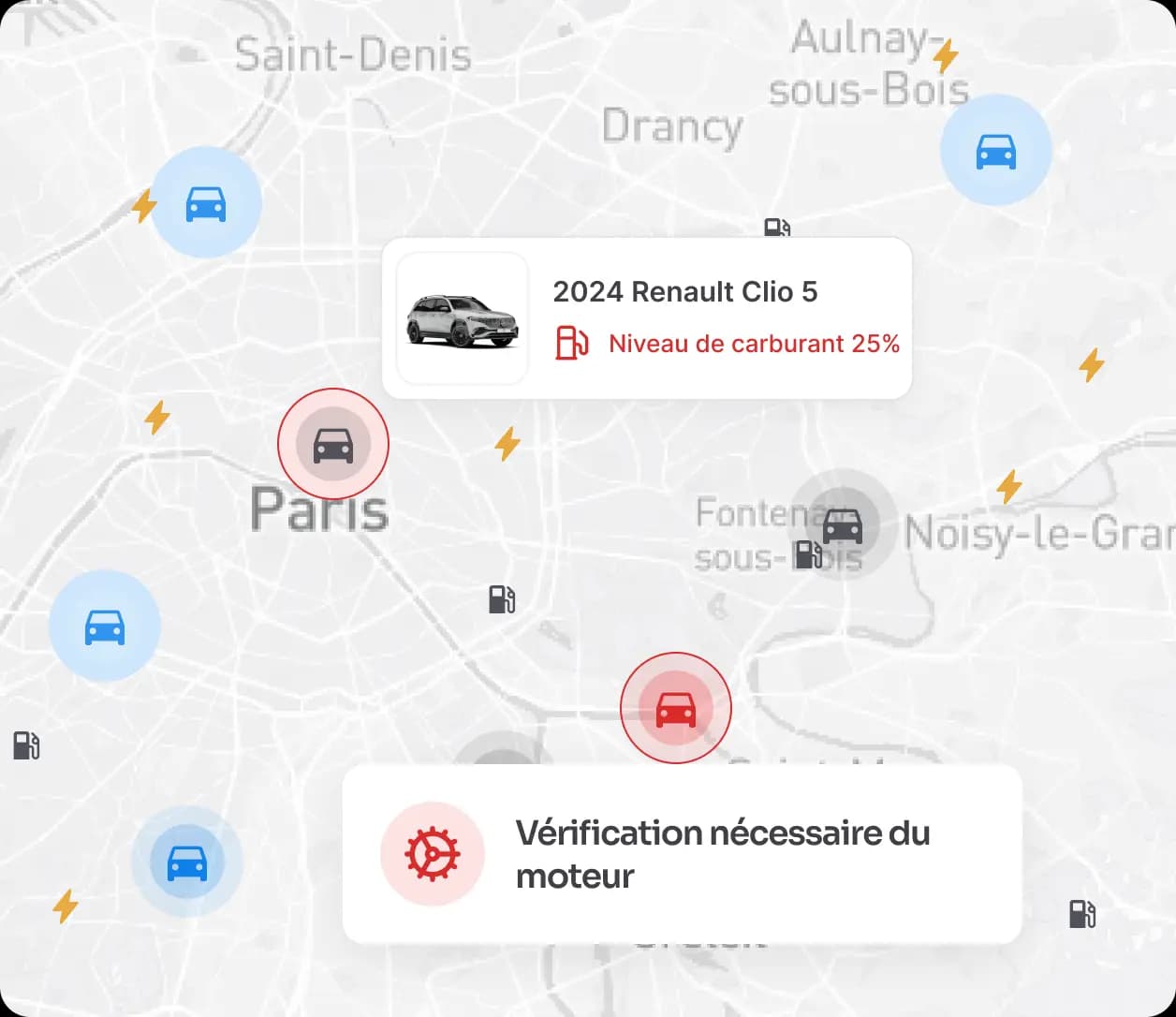
What telematics alerts change
- Nearly 40 OBD/CAN signals read from the vehicle, from the engine warning light to the temperature of each tyre.
- A configurable threshold per signal, with severity, acknowledgement and an occurrence counter.
- A GPS/OBD device or a connected OEM vehicle, with no installation for compatible models.
When the vehicle warns you too late
- The warning light comes on, the driver keeps going: the fault is found at the garage, not on the dashboard.
- An under-inflated tyre on a loaded van is only noticed when it blows out.
- A weak 12 V battery strands the vehicle on Monday morning and the round is cancelled.
What you get with Dadycar
The Telematics alerts module gathers the signals reported by the device or by the manufacturer. Each signal is grouped into a family and configured individually. For every vehicle, the manager sees the open, acknowledged and recurring alerts.
Engine and servicing
Engine warning light, DTC fault codes, engine, coolant and oil temperatures, oil level and pressure, engine load and torque, service due by mileage or by date.
Braking and safety
Impact detected, airbag, ABS, brake fluid, braking failure, brake pedal.
Battery and energy
12 V battery, battery health, state of charge, range, immobiliser key.
Fuel
Fuel level and volume, remaining range, fuel theft detected through an abnormal variation.
Tyres, device and zone
Pressure and temperature per wheel, device status (temperature, memory, firmware, battery), dwell time inside a geofenced zone.
Severity, threshold and routing
Per signal: severity level, configurable threshold, push notification to the driver, push to the manager or email summary, acknowledgement and occurrences.
How it works
- 1Connect the fleet. A GPS/OBD device or a connected OEM vehicle: the signals come in with no data entry.
- 2Set thresholds and recipients. For each signal, choose the severity, the trigger threshold and the channel: driver push, manager push, email summary.
- 3Handle and follow up. Open alerts appear in the dashboard and on the location map; the manager acknowledges them and the occurrence counter keeps the history. Business rules, for their part, live in anomaly and fraud detection.
Who it is for
- Transport and logistics: braking, tyres and battery checked before the round (see the industry page).
- Construction: impacts and fuel theft on machinery and vans left on site (see the industry page).
- Maintenance managers: fault codes and mileage-based services received before the breakdown (see the role page).
Your thresholds, your recipients, from the first week
A 30-minute demo on your own fleet: together we set the five signals that take most of your vehicles off the road, with their thresholds and their recipients.
Your questions before getting started
- “Do I need a device?” A GPS/OBD device or a compatible connected OEM vehicle; with no hardware, only date-based alerts and management anomalies work.
- “Will my managers be flooded with alerts?” No: each signal has its own threshold and channel; minor signals go out in an email summary, critical ones as a push.
- “What if my drivers refuse geolocation?” Technical alerts are about the condition of the vehicle; geofencing time slots separate business use from private use.